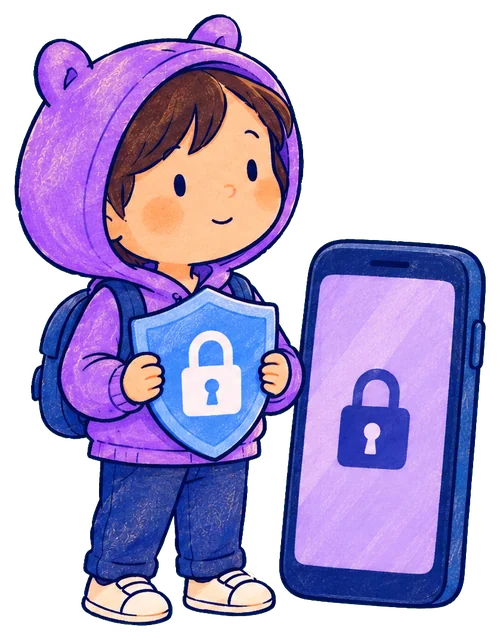
Pick the apps to lock
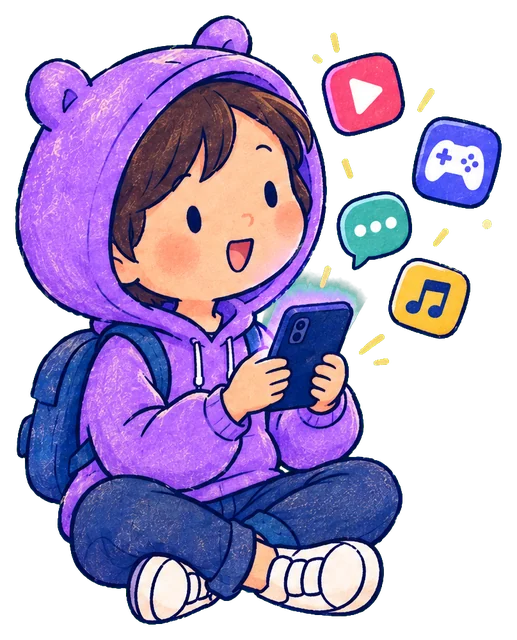
YouTube, Instagram, Free Fire, Roblox: your real apps with their real icons, sorted by type. Locked apps stay locked whoever picks up the phone.
The apps you pick stay locked. Hand the phone over, choose how long, and KiddoLock locks them again when time’s up, so you don’t have to be the bad guy.

Nice one, Aarav. Time to put the phone down.

Saying no for the tenth time today is exhausting. KiddoLock takes the timer off your shoulders.
One phone, shared by the family. KiddoLock knows the difference between your time and theirs.
YouTube, Instagram, Free Fire, Roblox: your real apps with their real icons, sorted by type. Locked apps stay locked whoever picks up the phone.
Fingerprint, then choose who’s using it and for how long: 10, 15, 30 or 60 minutes. Your own use never counts as theirs.
A friendly heads-up five minutes before, then “Kid time is over”. No grabbing the phone back, no arguments.
When a locked app is opened, only your fingerprint or face can open it. Then pick: you, or your child. Parents can unlock until the screen turns off. Kids get a timer, within a daily limit you set.
Right on your home screen. Tap to give kid time. While it’s running it shows “Aarav · 12 min · Tap to lock now”, and one tap locks everything in under a second.
Set one daily limit, say 2 hours. Every hand-over counts towards it, so “just one more” can’t add up forever.
More time, new limits, turning KiddoLock off: all of it waits for your fingerprint, face or screen lock. It never lets anyone through without a real check.
Five minutes before kid time ends, your child gets a gentle warning to find a good place to stop.
Phone settings, uninstalling and the Play Store need a grown-up. Changing the clock won’t create extra time, and split screen won’t sneak an app past the lock.
Guided setup for Xiaomi, Redmi, POCO, Vivo, iQOO, Oppo, Realme, OnePlus and Samsung, so battery savers don’t quietly switch KiddoLock off.
Unlock apps for yourself “until screen off”. Put the phone down and it locks itself, ready for whoever picks it up next.
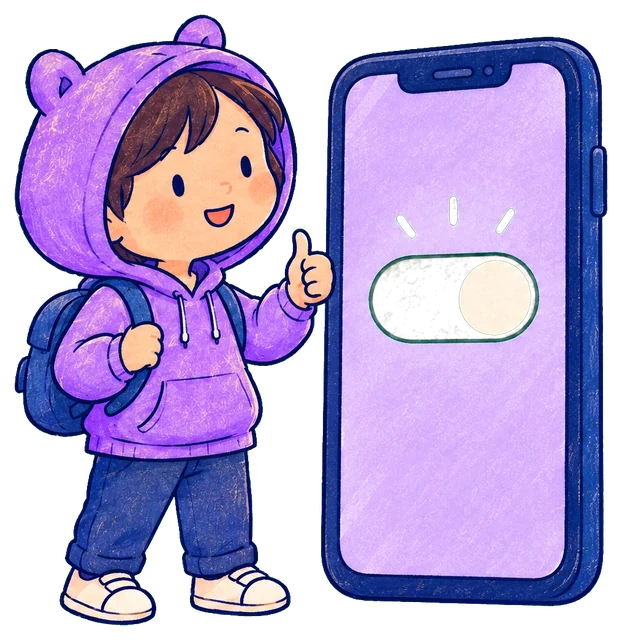
Kids are clever. So we closed the doors they try first.
Back from the lock screen goes to the home screen, never into the app.
The uninstall screen, phone settings and the Play Store need a grown-up’s fingerprint.
KiddoLock notices the clock was changed, keeps apps locked, and tells you.
KiddoLock closes the split and covers the locked app.
KiddoLock starts again on its own after a restart, and checks in every 15 minutes in case the phone stopped it.
Parent time can end the moment the screen goes dark, so a phone set down is locked again.
Google Family Link is free and excellent when your child has their own phone and Google account. Most families we talk to don’t. They share one phone. That’s the problem KiddoLock is built for.
Prices in India, billed through Google Play. Subscriptions renew automatically; cancel any time in Google Play. 83% compares ₹199 a year with 12 months at ₹99. See the refund policy.
No. KiddoLock is made for the phone you already share. It runs on your phone and tells your time apart from theirs.
Your child gets a heads-up five minutes before. When time’s up, every locked app locks again and shows “Kid time is over”. A grown-up can give more time with a fingerprint.
Phone settings, the uninstall screen and the Play Store need a grown-up’s fingerprint. If the phone’s clock is changed by hand, KiddoLock keeps apps locked and lets you know.
Yes. Setup includes a step for your phone’s brand so its battery saver doesn’t stop KiddoLock in the background.
Usage access (to see which app is open), Display over other apps (to show the lock screen), Notifications (for heads-ups), and being left out of battery optimisation (to keep working all day). Each one is explained in the app before you’re asked.
No. There’s no account and no KiddoLock server for your usage. It’s worked out and kept on your phone. Purchases are handled by Google Play.
No. Your subscription belongs to your Google account. Sign in to the Play Store with the same account and use “Restore purchases”.
KiddoLock is launching on Android first. An iPhone version is in the works.

KiddoLock is coming soon to Google Play. Get early access, and help shape it: early families tell us what to build next.
We’ll only message you about KiddoLock’s launch. One tap to unsubscribe.